Auto-translated from Spanish
Article summary
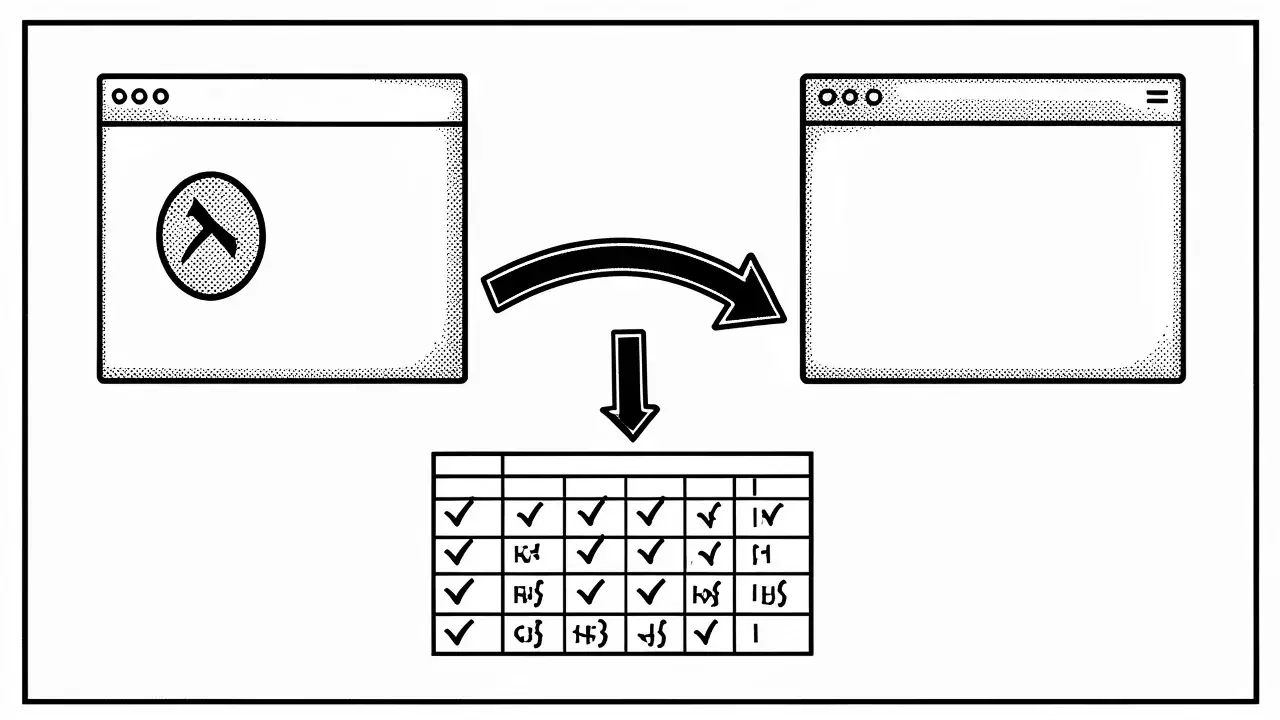
A soft 404 is a URL that should return a 404 code (page not found) but answers with a 200 instead, so it looks valid even though it isn't. It usually appears in Google Search Console's Page indexing report and it's worth fixing because it confuses Google and wastes crawling.
The article shows how to detect it with the Redirect Path extension and explains the three fixes: make the server return a real 404, add useful content if the page should rank, or set up a 301 redirect to related content, never just to the homepage.
Today we’re going to talk about soft 404s, an error you’ll often find in Google Search Console, in the Page indexing report: among the reasons why some URLs aren’t indexed, you’ll see the “Soft 404” label. It’s an important error and you should fix it.
A soft 404 is, basically, a URL that should answer with a 404 status code but answers with a 200 status code. In other words, it stays up as a valid URL even though we all know it isn’t. If you want to review the general case first, read how to fix a 404 error.
What exactly is a soft 404?
Picture a page that says “Error 404: page not found. Sorry, this page doesn’t exist.” That looks fine at first, since the message warns that something is wrong. The problem is that behind the scenes the server doesn’t answer with a 404 but with a 200: it tells Google “all good, this page exists.” According to its documentation on HTTP status codes, Google detects this and classifies it as a soft 404.
Other times a soft 404 is a nearly empty or blank page with no useful content. It isn’t a real 404 either, but Google treats it the same way, because it gives the user nothing.
How to detect them with Redirect Path
The easiest way to check the response code is the Redirect Path extension. Open the suspicious URL and look at what it reports: on a soft 404 you’ll see a 200.
If it were a genuine 404 error, Redirect Path would show a 404. That’s the key check: the page says “doesn’t exist” but the server presents it as valid. To find the affected URLs, open the Page indexing report in Search Console and filter by “Soft 404”.
Technical fixes and CMS fixes
When you find a soft 404, you need to decide what you want to happen to that URL. You have three paths:
- Make it a real 404. If that URL shouldn’t exist, talk to your developer or, if your CMS allows it, delete the content so the server returns a true 404.
- Keep the page and make it rank. If it’s a URL you want to rank but it returns a 200 with thin content, you need to optimize it: see what content is missing and which search intent it should cover.
- Redirect it. If the content disappeared but there is a related page, set up a 301 redirect to it (more on that below).
Soft 404s are usually generated when many categories cross with each other and the final combination has no results. Check which categories were crossing: the URL itself often gives you a clue, and that tells you whether to redirect it or add content to it.
The URL often gives you a clue as to whether you should redirect it or add content to it.
Correct 301 redirects
Many soft 404s are, or were, temporary. There used to be content on that URL, it was deleted because of a development mistake or something else, and it had managed to generate traffic, which you can check in Google Search Console. If that URL used to bring traffic and suddenly dropped, the most recommended fix is a 301 redirect.
Remember that 301 redirects should point to related content. Not everything goes to the homepage: if that URL used to talk about how to be happy, don’t send it to the homepage but to an article like “10 keys to happiness”, that is, to content closely related to the original. Redirecting everything to the homepage can also end up being classified as a soft 404.
301 redirects should point to related content, not everything to the homepage.
Frequently asked questions
What exactly is a soft 404?
It’s an error that should be a 404 “page not found” code, but the server answers with a 200 code, making it look like the URL is valid when it actually isn’t or is empty.
How can I detect a soft 404 on my website?
You can find them in Google Search Console’s Page indexing report and verify them with tools like Redirect Path, which shows whether the server’s real response code is 200 instead of 404.
How should 301 redirects be done for these errors?
Don’t send every redirect to the homepage. Send them to content that is closely related to the original URL that went down.
Conclusion
A soft 404 is a very particular error: the page seems to say it doesn’t exist, but the server says the opposite. Spot it in Search Console, check the code with Redirect Path and decide whether that URL should be a real 404, have useful content or be redirected with a 301 to something related. If you also want to review “regular” 404 errors, read how to fix a 404 error. And if you don’t know where to start with your site, try the free SEO audit.