Auto-translated from Spanish
Article summary
An SEO migration happens when you move from one domain to another and want to keep your rankings and organic traffic. The article explains the four steps to do it right: add both domains to Search Console, match URLs by content, set up correct 301 redirects and measure the result.
It also recommends checking the new domain's history with the Wayback Machine, warns that a small drop in the first weeks is normal and includes a downloadable Excel template to map old and new URLs.
Doing an SEO migration is a delicate process that many professionals have to face at some point. When you move from one domain to another, it isn’t enough to just make the jump and hope everything works out: one wrong move can cost you the rankings and organic traffic that took so much effort to earn. SEO requires a very precise strategy in these cases.
In this article I’ll show you the exact steps to follow to make the best possible migration without your website suffering drastic drops. We’ll see how to use key tools like Google Search Console and how to set up the right redirects to protect your keywords and make sure the move succeeds.
Introduction to SEO migrations
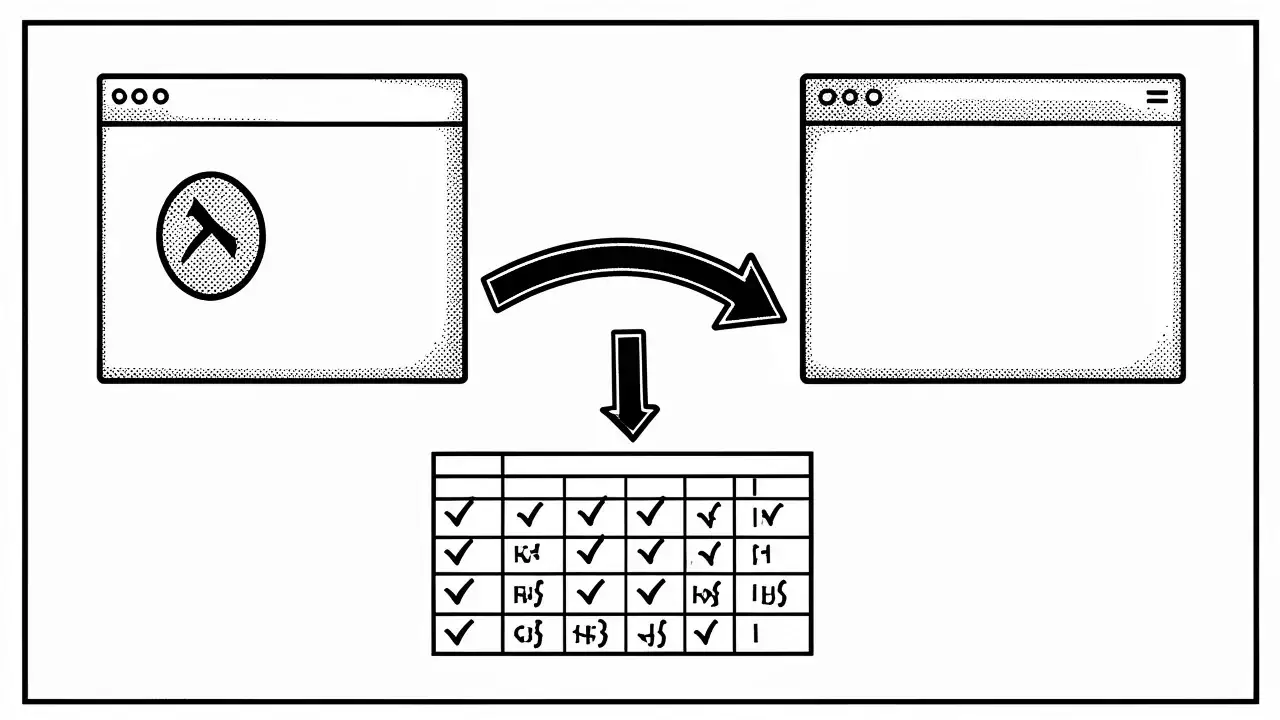
An SEO migration happens when you move, for example, from domain A to domain B. A specialized consultant’s job is to make sure all the important content and organic traffic from the old domain moves correctly to the new site, leaving nothing relevant behind. Google also publishes its own official guide on site moves and migrations, which is worth reading as a complement to this guide.
Step 1: Search Console and domains
The first essential step is to add both your old domain and your new domain to Google Search Console. The main idea is to have both domains in place so you can compare metrics, see which keywords rank best and spot the URLs that bring the most organic traffic.
Once you have the data for both sites, you can export all the URLs to understand what you must protect. If you want to learn more about how to pull this information, check out how to bulk-download keywords from Search Console.
Step 2: Match URLs by content
The second step is to match URLs mainly based on content. Ask yourself whether the old and new content answer the same search intents and keywords. If the answer is no, you’ll need to optimize the new content before running the migration.
Download the URL mapping template (Excel)
So you don’t have to build it from scratch, here is a ready-to-use Excel template: one column for the old URL, another for the new URL, the main keyword, the Search Console clicks, the redirect type and the status of each URL (pending, redirected or verified). It includes a sheet with step-by-step instructions.
Step 3: Correct 301 redirects
Once the mapping is done and you know which URLs you’ll redirect, one of the most critical moments arrives: setting up a 301 redirect from point A to point B. To Google, a URL that differs by a single character is already a completely new page, so you’ll start from scratch if you don’t get this step right.
You can use browser extensions like Redirect Path to check what type of redirect is being applied and make sure authority and traffic flow properly from one address to the other.
Domain history with the Wayback Machine
Before buying and using a new domain, it’s vital to check its past. Tools like the Wayback Machine let you see whether that domain was used before and whether it has a clean history, or whether it was tarnished by bad practices in the past.
If a domain has already been looked at unfavorably by Google because of a negative precedent, you might find your project doesn’t rank despite your efforts, as I explain when talking about why your site isn’t showing up on Google.
Step 4: Measure and verify the migration
The last step is to verify the process using comparison charts between domain A and domain B. It’s essential to mark on the chart the exact date the redirects went live, so you can understand traffic behavior precisely.
Traffic evolution and stabilization
It’s completely normal to see a small drop in your metrics during the first weeks, and even up to a month after the migration. If you did a good mapping and set up the right redirects, traffic should stabilize or even improve thanks to the new technology and content on your site.
Frequently asked questions
When should you do an SEO migration?
An SEO migration is mainly done when you move from domain A to domain B, making sure all the organic traffic and important content transfers correctly.
Why are 301 redirects important in a migration?
Because to Google, any change to a URL or domain means starting from scratch. The 301 redirect prevents you from losing the performance and authority you’ve built up.
Is it normal for visits to drop after a migration?
Yes, it’s completely normal for metrics to dip during the first weeks or even the first month, but they will stabilize if the mapping and redirects were done well.
What is checking the Wayback Machine before migrating for?
It lets you check whether the domain was used in the past and whether it has a clean history, so you avoid dealing with penalties or bad precedents from previous owners.
Conclusion
Carrying out an SEO migration takes patience, a thorough analysis of your URLs and correct execution of 301 redirects to protect your visibility on Google.