
Auto-translated from Spanish
Keyword research is the strategic process of discovering how users search on Google for the products, services or solutions your business offers. It isn’t about compiling giant lists of terms: it’s about decoding your potential customers’ language so you can connect their need with an optimized page that answers that query and drives real conversions.
In my more than 5 years of experience I’ve seen that the success or failure of organic ranking depends on how well you understand your business before touching any tool. If you sell red shoes, a good study tells you which variations people search with (for example, “comfortable red heels” or “red party shoes”), whether there’s real demand, and which URL to create to compete for the top positions. Without that clarity, any later on-page or technical optimization is shooting blind.
I’m José, an SEO consultant, and in this up-to-date guide I’ll teach you the method I apply daily: clean, fast, ROI-focused and without paying for expensive tools from day one. You’ll see:
- What a keyword is and why it matters to the business.
- How to read search intent.
- How to choose between short tail and long tail.
- Which free tools to use.
- A 6-step plan and a practical example.
What a keyword is and its impact on the business
A keyword is the query, or set of terms, a user types into the search engine to find a product or service. If someone types “red bicycles” or “buy solid wood bed”, that whole phrase is a keyword with a concrete need behind it.
The goal of keyword research isn’t to inflate vanity metrics, but to know which terms generate measurable value: direct revenue, potential customers (leads) or qualified traffic.
Say you have an online furniture store. You might think ranking for “beds” is everything, but over time you notice that queries like “king size beds”, “kids wooden beds” or “double beds with storage” bring traffic far more likely to pull out a credit card. If you want to go deeper on the concept, read what a keyword is.
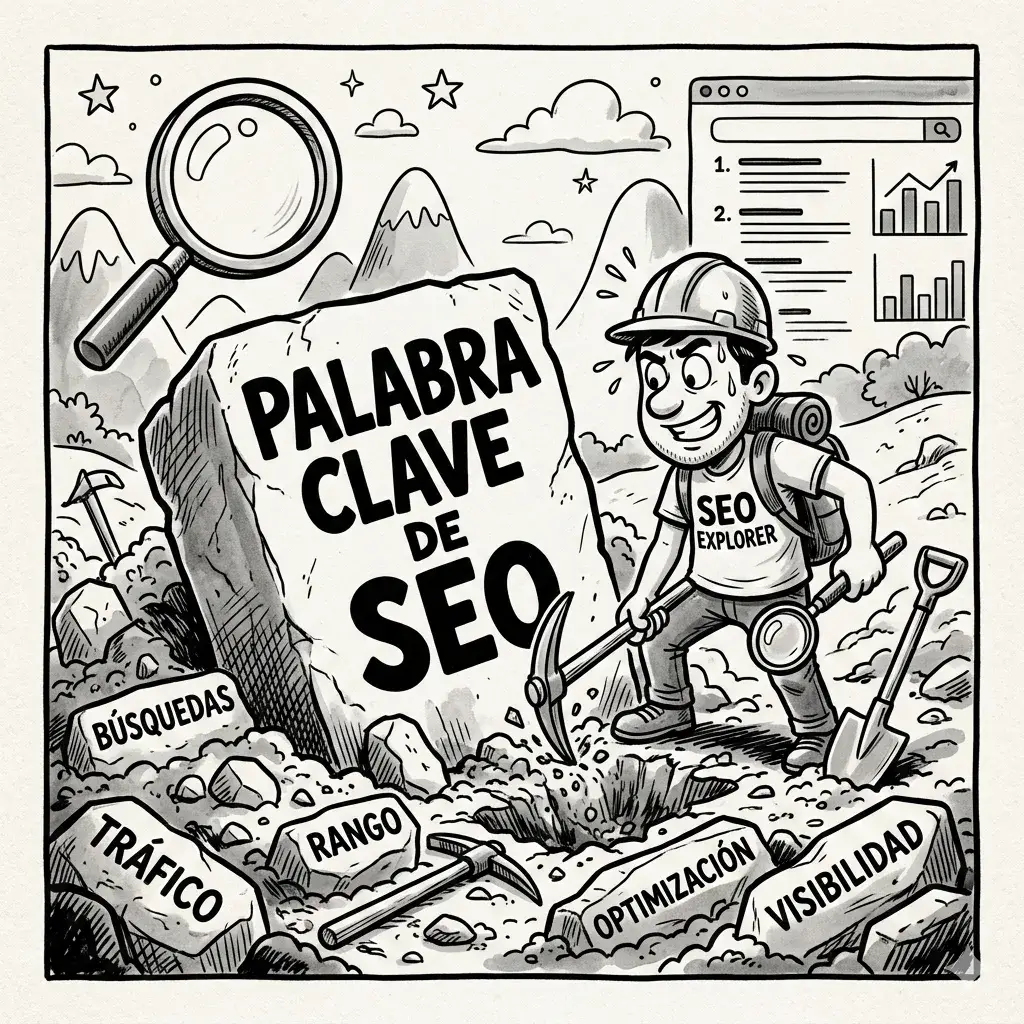
And to choose well, it isn’t enough to see how many people search a term per month: what matters most is what they expect to find when they hit enter.
Search intent: the filter between empty visits and sales
Search intent is the real goal a user pursues when running a query. Identifying it correctly defines whether you answer with an educational article, a comparison page or a product page built to sell.
An SEO consultant is paid to generate qualified traffic that converts, not to show pretty charts with millions of empty impressions. That’s why it pays to know whether the intent is to inform, compare or buy: it helps you avoid classic mistakes like filling an online store with text when the visitor just wants to click “buy”.
| Intent type | User goal | Google format | Example |
|---|---|---|---|
| Informational | Learn, solve doubts or understand a concept. | Articles, tutorials, step-by-step guides. | “how to do keyword research”, “what is link building” |
| Consideration / mixed | Evaluate alternatives or compare before deciding. | Comparisons, reviews, pros and cons lists. | “Semrush vs Ahrefs”, “best marathon running shoes” |
| Transactional | Buy or hire right now. | Online stores, product pages, commercial landing pages. | “buy Samsung 4k TV”, “organic cotton t-shirts price” |
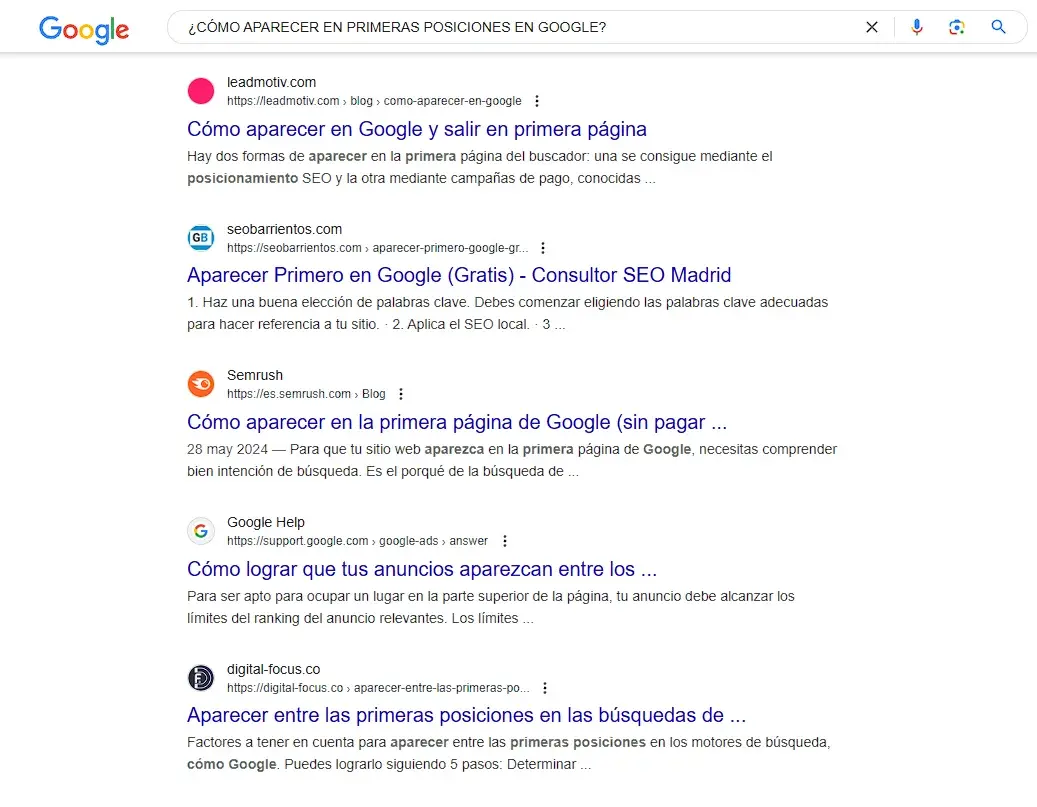
I like to call consideration keywords “mixed”, because informational articles and e-commerce links live side by side in the results. With a mixed keyword, your page should balance a concise explanation with clear calls to your product or service. With a purely transactional one, focus on prices, direct benefits and the buy button.
Low competition: long tail vs short tail strategy
Before choosing keywords, analyze the stage your site is in. If you’ve just launched a domain with zero authority and want to compete against giants that have been ranking for ten years, you’ll waste time, money and energy. It’s like trying to catch big fish with a toy fishing rod.
For young projects, the smartest move is to lean on long tail keywords: longer, more detailed searches with lower individual volume, but very high purchase intent and little attention from the big players.
| Feature | Short tail | Long tail |
|---|---|---|
| Length | 1 to 2 words (“t-shirts”) | 3 to 5 words or more (“red v-neck t-shirts”) |
| Volume | Massive and generic | Moderate or low, but recurring |
| Competition | Extreme (dominated by big brands) | Low or moderate |
| Intent | Ambiguous or exploratory | Very precise, high conversion |
| When to use | Established sites with high authority | New projects or niches getting started |
Instead of obsessing over “t-shirts”, work on “red t-shirts for summer” or “red v-neck t-shirts”. Once your site gains traction and authority with those searches, you’ll have the base to compete for the harder terms and show up in the first positions on Google.
Free keyword research tools
You don’t need to buy expensive platforms right away. Paid tools like Semrush or Ahrefs aren’t recommended in a project’s first months because of their cost, and the free ones cover the essentials very well. You make up for the lack of budget with order and rigor, and you get a content map as useful as one from software that costs hundreds of dollars a month.
The best starting point is the search engine itself, with Google Autocomplete. When you type a root query, Google shows suggestions based on what other people search for. It’s a gold mine of natural secondary terms, and they usually have good volume if they’re there.

To add demand data, these are my usual tools:
- Google Keyword Planner: Google’s official tool, free with an email account. It has two modules: Discover New Keywords (hundreds of ideas from your core service) and Get Search Volume and Forecasts (historical volume, seasonality and forecasts).
- Keyword Surfer: a lightweight Chrome extension that shows estimated monthly volume and suggestions right in the search results. It helps you decide which topics deserve a full page and which fit as secondary headings.
- Mangools: lets you see the volume of a specific keyword, with a free trial of about 8 searches per day.
- Answer the Public: maps common questions (what, how, when, where) and feeds your article structure with the doubts your customers ask every day.
- Google Search Console: to see which queries already bring people to you.
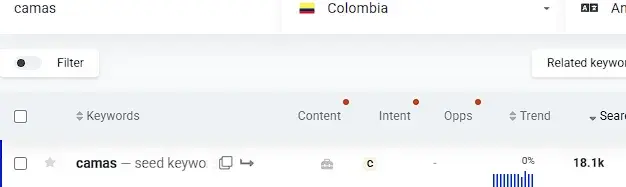
Note on Google Keyword Planner: with an account that has no ads, the tool shows wide volume ranges (for example, 1K to 10K). To see exact numbers you need to have an active campaign in Google Ads.
The seasonality in those historical charts is vital: it lets you anticipate the months of highest demand and know when organic traffic will naturally peak or dip.
If you need to generate lots of variations for a large catalog, a keyword concatenator saves you hours. It crosses terms from different columns (product type + attributes + models) and returns hundreds of long tail combinations ready to analyze. Try one right here, or use the concatenator built into my SEO extension.
How these tools work
These platforms process large volumes of queries, and they usually draw on two sources: the official APIs of advertising platforms like Google Ads, and aggregated traffic panels (clickstream) coming from browser extensions. When you enter a seed term, they do three things:
- Extraction: they detect synonyms and patterns close to the term.
- Average volume: they estimate monthly volume by averaging historical data to smooth out seasonal spikes.
- Competition and CPC: they calculate how many advertisers bid on the term and its approximate cost per click.
A 6-step keyword research plan
For the study to be actionable and measurable, it needs a strict order. This is the plan I use to turn messy data into a profitable content structure:
- Understand the business priorities: define which products or services leave the highest margin, which are available and which solutions best solve your ideal customer’s need.
- Identify SEO opportunities and volume: pull industry keywords with the free tools and cross each term with its search volume to discard phantom queries nobody searches.
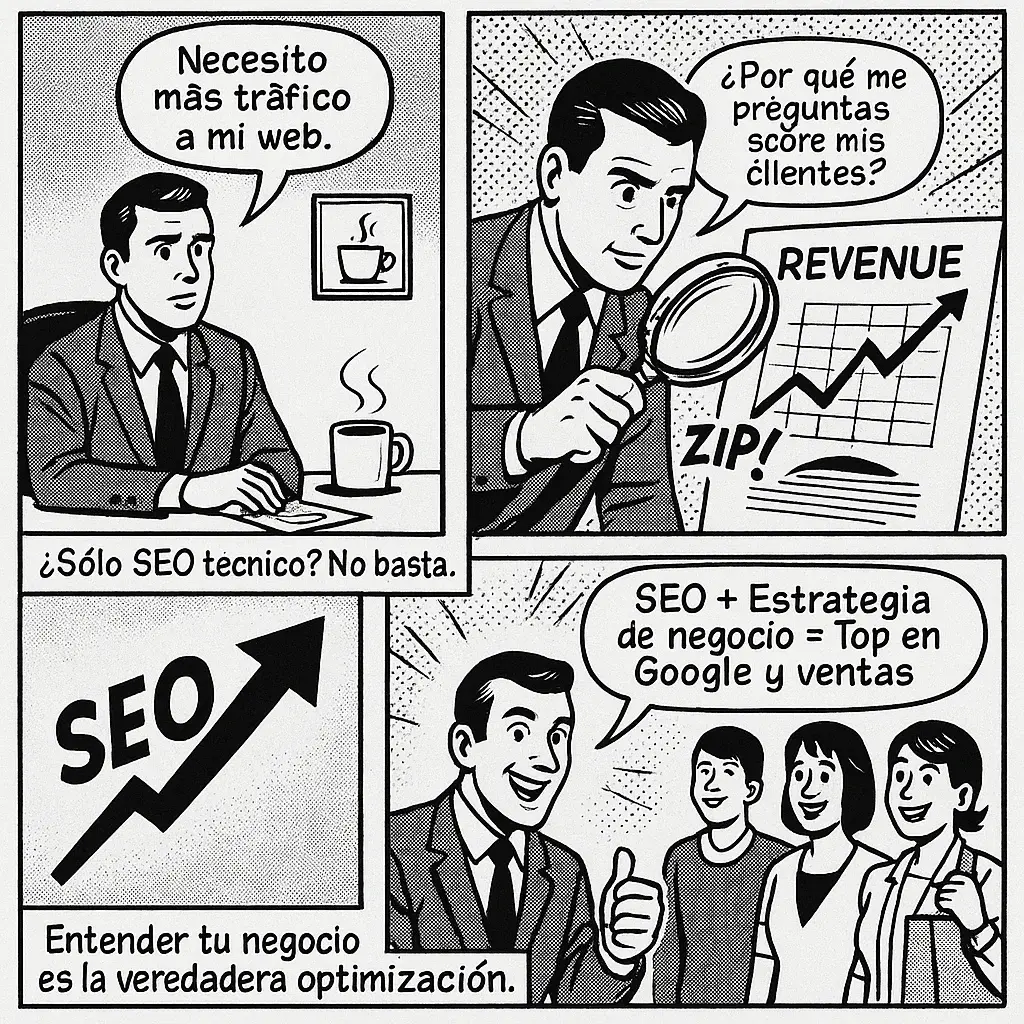
- Match business priorities with SEO priorities: if a product leaves you a huge margin but nobody searches for it by that name on Google, adapt the terminology. The priority is born where a commercial need and proven demand meet. Understanding your business for SEO helps here.
- Structure the final list: group related queries into topic clusters and classify them by intent (informational, consideration or transactional).
- Map each keyword to a URL: assign one unique URL to each main intent. The rule is one search intent = one specialized URL. You avoid internal cannibalization and make later on-page and technical optimization easier.
- Measure performance: with Google Search Console, check whether the URL rises in impressions, improves its average position, attracts clicks and contributes to the site’s revenue.
Practical example: a t-shirt store
Imagine you have an online t-shirt store and want to capture purchase-intent traffic from scratch:
- Detection in the search engine: you type “t-shirts” into Google and review the autocomplete: “cotton t-shirts”, “oversize t-shirts”.
- Mass generation with the concatenator: you cross three columns.
- Column A (product): t-shirts, tees, shirts.
- Column B (colors and styles): black, white, red, oversize, v-neck.
- Column C (material or audience): heavy cotton, soft cotton, men, women.
- Filtering in Keyword Planner: you upload the combinations to validate which have steady volume and discard those nobody types.
- URL mapping:
- “cotton t-shirts for men” →
/t-shirts/men/cotton/ - “red v-neck t-shirts” →
/t-shirts/red-v-neck/
- “cotton t-shirts for men” →
- Competitor analysis and on-page: you open the top three stores ranking for that search, review their filters, how many products they show per page, what intro text they add and which internal links they use. With that, you optimize your page to offer a faster, more direct experience.
How to measure your keyword research over time
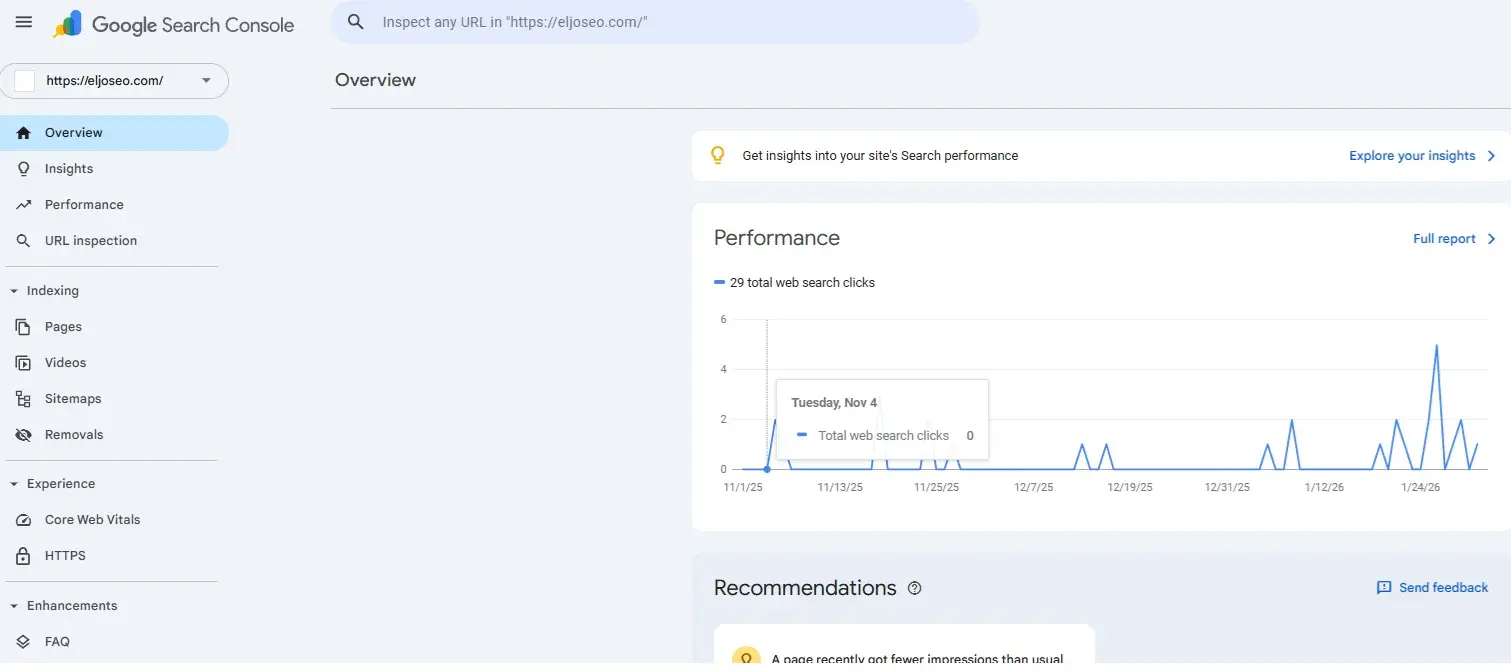
Publishing isn’t the end: ongoing monitoring lets you adjust the strategy. The essential tool is Google Search Console, free and official, with exact metrics for each URL:
- Impressions: how many times your link appeared in the results.
- Clicks: how many users entered your site.
- Average position: the average spot your page holds for a query over a time range.
- CTR (Click-Through Rate): the percentage of people who saw your link and decided to click.
If you have a recurring budget, Semrush or Ahrefs are good complements thanks to their rank tracking.
And don’t just look at numbers: check that growth comes from queries with the right intent. If a transactional URL gains visits but has a high bounce rate and doesn’t sell, review whether the content truly answers what the user expects to solve.
Frequently asked questions about keyword research
What is keyword research?
It’s the SEO process of identifying and analyzing the queries people type into search engines, to optimize pages around those terms and capture qualified organic traffic that turns into business value.
Can I do keyword research for free?
Yes. With Google Autocomplete, Google Keyword Planner, Google Search Console and free browser extensions you get the search volume, seasonality and topic ideas needed to build an effective SEO strategy.
What are the best keyword research tools?
The ones most used by professionals are Google Keyword Planner, Google Search Console, Google Trends, Ahrefs, Semrush, Keyword Surfer, Answer the Public, Ubersuggest, Moz Keyword Explorer and SE Ranking. To start, the first three are enough.
How do I create SEO keywords?
You don’t create them out of thin air: you discover how your audience already searches. Start from your main offering as a seed term, expand it with a concatenator and search suggestions, and filter the final list by volume and transactional intent.
Why doesn't my page rank even though the keyword has lots of searches?
Almost always because the search intent doesn’t match what Google rewards in those results, or because your domain’s authority isn’t enough to compete against established brands on that query.
How many keywords should I optimize per page?
Just one primary keyword that defines the core intent, along with 3 to 8 secondary keywords or long tail variations that answer complementary questions within the same text.
Take the next step in your organic strategy
Mastering keyword research gives you a decisive advantage: you stop guessing what to write and start building pages designed to attract customers who want to buy. The formula is simple:
- Understand your company’s commercial priorities.
- Discover your audience’s real queries with accessible tools.
- Attack lower-competition niches with long tail variations.
- Measure results in Search Console.
With this method you can attract more qualified users to your site. Remember that everything we covered is developed in the SEO COURSE.
If you want to validate your site’s architecture, optimize your pages and speed up your growth with a personalized strategy, book a free 30-minute SEO consultation and we’ll map out the action plan your business needs together.