Auto-translated from Spanish
Internal linking in SEO, also known as interlinking, means making optimizations inside your website to add links to your own content. This practice doesn’t just help Google’s bots crawl your site better: it also directly improves the experience of the users who visit you.
A good internal linking strategy lets you keep people on your site longer, increase session duration and naturally guide traffic from informational content to pages with commercial goals.
What is internal linking in SEO
When you open a web article and find links that take you to other pages on the same site, you’re looking at internal linking in action. For example, when reading about how to do keyword research, it’s very useful to link related concepts such as search intent.
It’s also called interlinking or site linking, but the idea is always the same: connect your own pages with links that make sense for the reader.
Benefit 1: User retention and metrics
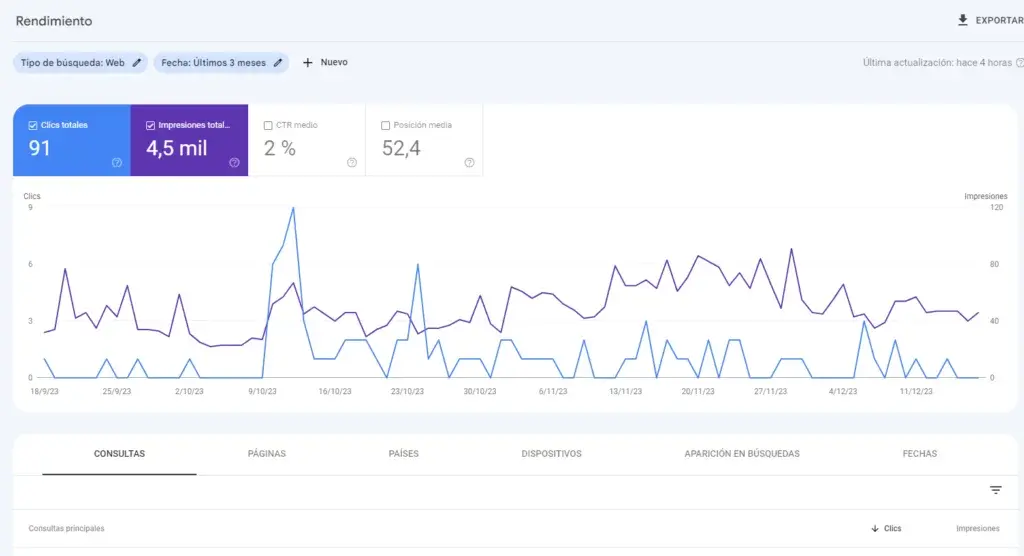
The first big advantage of internal linking is about the user. Giving them valuable, complementary content makes them browse your site for longer, which increases session duration, a metric Google values when ranking your articles.
And that’s not all: someone who finds the answer to their next question without leaving your site is someone who trusts you more.
How to guide traffic through the sales funnel
Internal linking lets you lead people through the sales funnel, moving from a purely informational stage to consideration and, finally, to a purchase or a hired service.
If a user arrives looking for basic information, you can take them through links to tool articles or more advanced guides, and place links to an SEO consultation or a specialized course at the end.
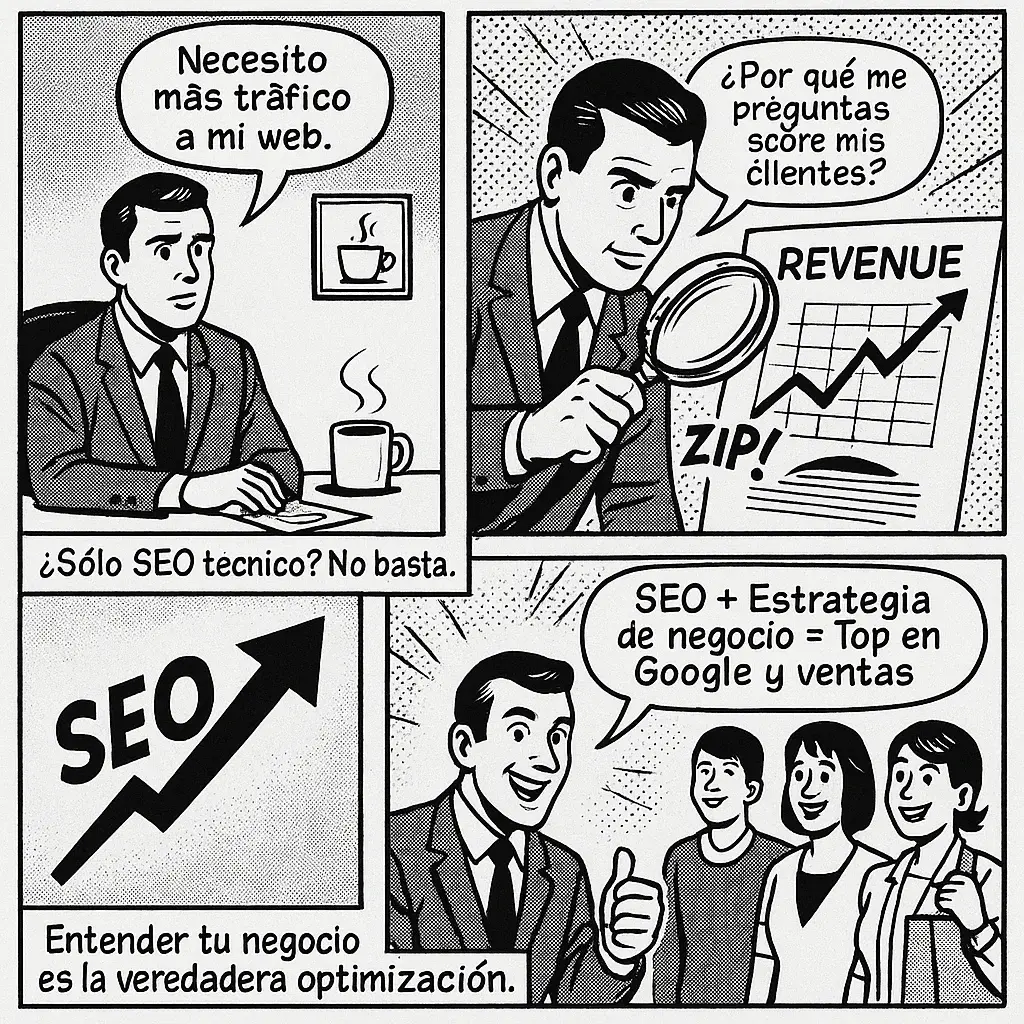
To decide where to send each visitor, it helps to understand your business for SEO: that way you know which pages are the ones that actually drive results.
Benefit 2: Google crawling and indexing
From a search engine’s perspective, when Google lands on an article, it uses every link you’ve added to move through the rest of your site. Having everything interconnected makes crawling easier, helps the bot better understand your content’s context and improves indexing.
In fact, Google recommends using crawlable links so its robots can discover your pages. A URL with no internal link pointing to it is an orphan page, and it’s one of the reasons your page sometimes doesn’t show up on Google.
Content clusters and pillar pages
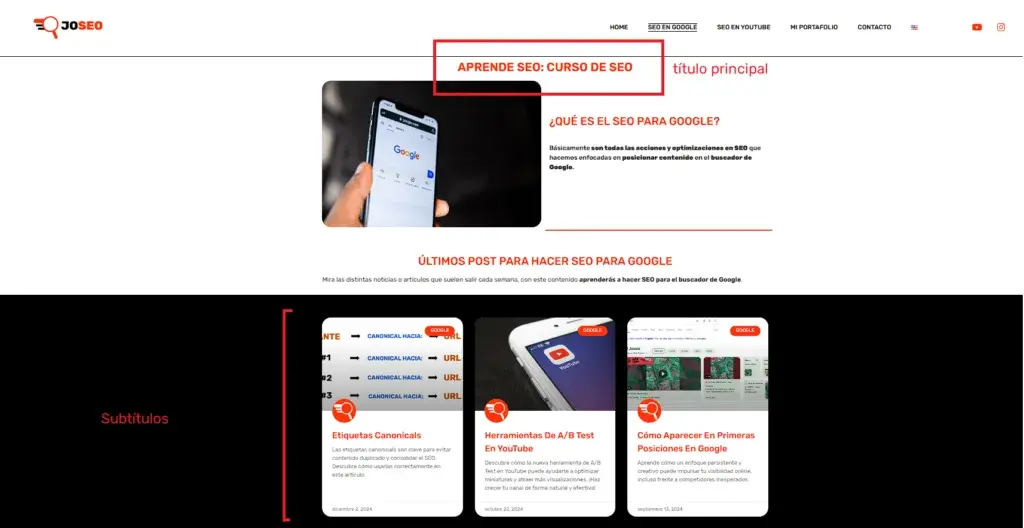
One of the most powerful applications is content clusters. With internal linking, you can send traffic from different secondary articles to a main URL or pillar page, giving it more relevance in Google’s eyes.

In short, it works like this:
- Pillar page: a broad guide on a general topic (for example, what SEO is).
- Supporting articles: specific pieces that go deeper into a subtopic and link up to the pillar.
- Links back: the pillar links to each supporting article, and they link to each other when it makes sense.
Leveraging the homepage’s authority
The homepage is the URL Google crawls the most and the one that gets the most visits. That makes it a great opportunity to place strategic links to the specific articles or campaigns you want to highlight at a given moment.
Anchor text best practices
The link text, or anchor text, is essential. Avoid generic phrases like “click here”. Instead, use descriptive keywords, such as keyword research, to clearly tell Google what the destination page is about.
A few simple rules:
- Be descriptive: the anchor should anticipate what the person will find.
- Vary the text: don’t repeat exactly the same phrase in every link to a URL.
- Don’t overdo it: a few well-placed links work better than hundreds forced in.
- Keep it natural: if the link doesn’t help the reader, don’t add it.
Frequently asked questions
What is internal linking in SEO?
They’re optimizations you make on your website by adding links to your own content, improving user navigation and helping Google’s bots crawl your site better.
Why is internal linking important for users?
Because it offers them valuable, related content that increases their session duration on the site, naturally guiding them from information through consideration to purchase.
How does internal linking help Google?
It lets Google’s robots move through the whole site smoothly, better understanding the context of the articles and achieving much more efficient indexing.
What is a content cluster in internal linking?
It’s a strategy where multiple secondary articles link to a main URL or pillar page, concentrating authority and traffic to improve its ranking.
Conclusion
Mastering internal linking in SEO is one of the most profitable strategies to keep your users, structure your content clusters and guide traffic toward your business goals organically.
If you want to see how your site’s linking looks today, start with the free SEO audit.