Auto-translated from Spanish
Today we’re going to talk about one of the coolest topics in technical SEO: schemas, structured data and rich snippets. They’re all closely related, and the goal is for you to know what they are, which ones you can have on your website and how to check that they’re implemented correctly.
Implementing this code doesn’t just help search engines understand your content better: it also gives key context to AI so it can surface you more easily. If you have doubts about how to improve your page’s visibility, remember you can always check why your page isn’t showing up on Google.
What is Schema Markup?
To understand what Schema Markup is, imagine you’re searching Google for a chicken recipe. The very visual, detailed results that show up are called rich snippets.
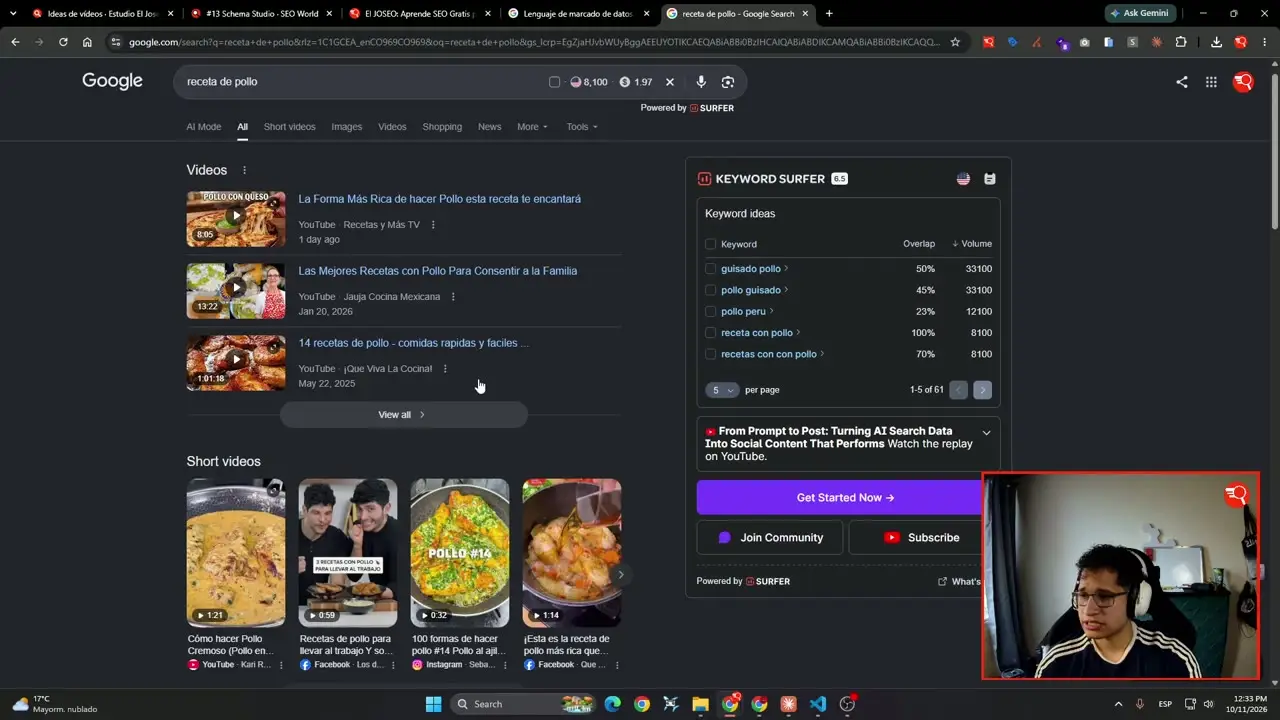 A visual example of rich snippets for recipes.
These elements are eye-catching and change depending on what you search. The most important thing is that with them you give Google context about your site’s content and win a big chunk of space in the search results. If you run a recipe site, for example, this is an absolute must.
What are rich snippets
Structured data is code that is usually written in JSON or microdata. This code lives inside a particular URL to tell search engines what the page is about. If you want the official explanation, Google has an introduction to structured data.
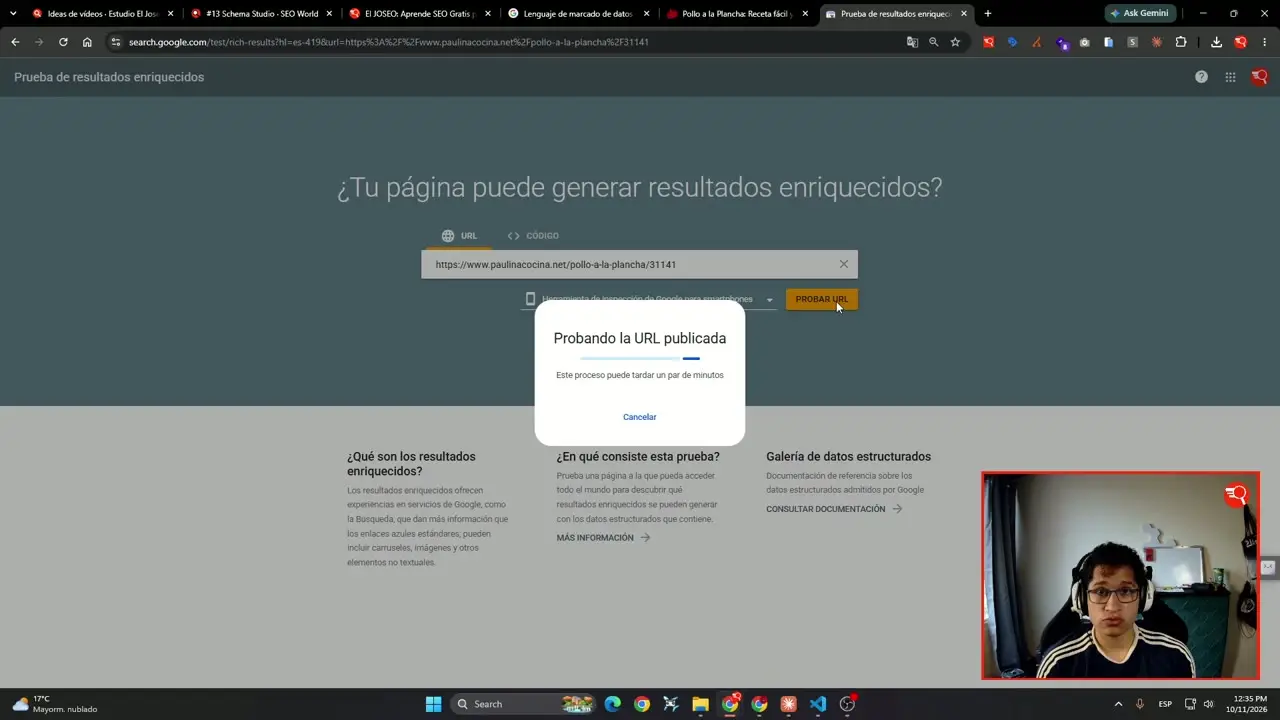 Opening a URL that has structured data.
When you click a recipe and go to its URL, the code inside is what makes it stand out in Google’s recipe sections, thanks to that structured data.
Validating structured data on Google
To answer the question of how to validate this structured data, you can use Google’s Rich Results Test, the official tool for checking schemas. There’s also the Schema.org validator, useful for checking syntax.
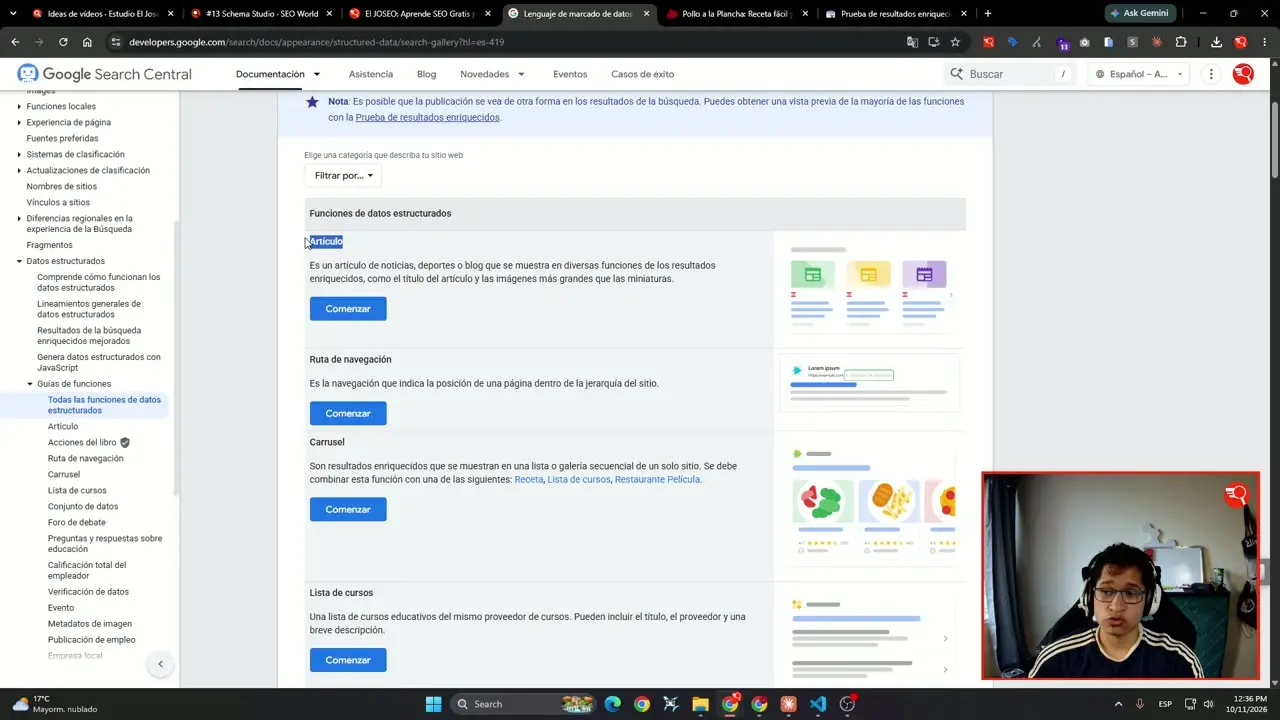 Pasting the URL into the validator to check the schemas.
You just paste the specific URL and hit test. The tool will tell you whether that page has structured data and exactly what it is, confirming for example that it includes recipe elements.
Schema types in the documentation
Structured data is made of code snippets. In Google’s official documentation you can see every type that exists, along with a small preview of how each one looks.
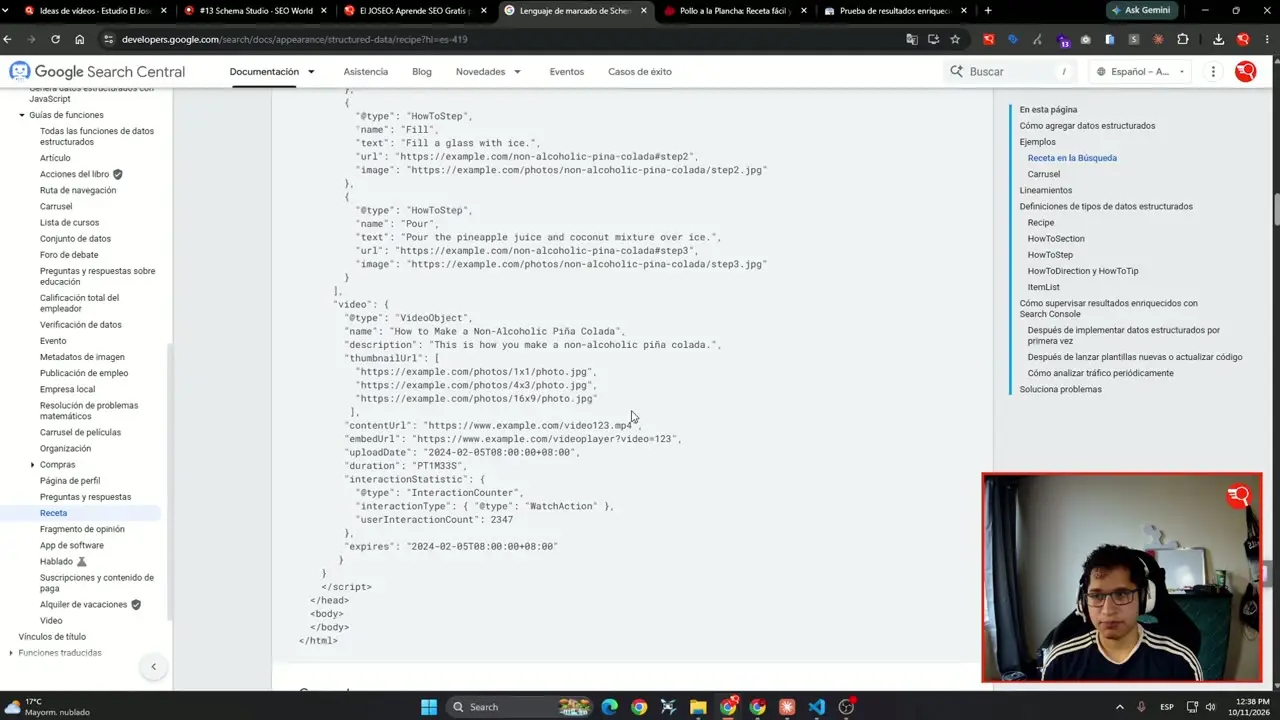 Browsing Google’s documentation to see the schema types.
Among the main schema types you’ll find:
- Articles: essential if you have a blog like El Joseo.
- Breadcrumbs.
- Carousels.
- Course lists.
- Events.
Generating schema with artificial intelligence
Today, one of the big advantages is that AI can do this very well. If you need to create the schema for a URL, you can lean on advanced tools.
 Generating schemas with artificial intelligence.
You can copy your URL, give it to an AI like Claude along with the schema documentation, and ask it to write the structured data specific to that content. Artificial intelligence is perfectly capable of doing it, and doing it very well. To see how they fit together, read how AI and SEO work together. Just remember: always validate the result in Google’s tool before publishing it.
How to implement it on WordPress
Implementation depends entirely on where your site is hosted. If you use WordPress, there are plugins that make life easier out of the box.
Tools like RankMath or Yoast SEO let you enable options that automatically add the article schema, for example. If you use another CMS, you’ll need to check which plugin offers that.
Implementing it directly in code
If your site runs directly on code, as mine does, you need to implement it manually and very carefully. You can also use AI to help if you have the necessary knowledge.
In these cases, the code is usually minified (laid out left to right instead of top to bottom) to optimize load times. Once the JSON code is generated, you can go back to Google’s validator, paste it into the code section and check that it has no errors.
The impact of schema on SEO and AI
From my own experience in technical SEO work, which is my specialty, schemas are something you have to do, no question, because they make an impact. It’s one of the most underrated pieces of technical SEO.
Today, AI understands this type of code perfectly. When it sees a schema, it immediately identifies whether you make recipes, what the ingredients are or how long they take, helping it understand you faster and making it more likely to show you.
Frequently asked questions
What is Schema Markup and what is it for?
It’s code, usually in JSON, added to a URL to give Google and AI context about your site’s content, helping you earn rich snippets.
How can I validate my structured data?
You can use Google’s Rich Results Test, where you paste your URL or code to check for errors and see which schema types it detects.
Do I need to know how to code to use schemas on WordPress?
Not necessarily, since you can use SEO plugins like RankMath or Yoast SEO that automatically add schemas such as the article schema in a simple way.
Why are schemas important for AI?
Because artificial intelligence understands this kind of structured code very quickly, which makes it easier for it to process your information and more likely to show you.
Conclusion
Schemas and structured data are a fundamental piece of technical SEO that you can’t overlook if you want to stand out on Google and adapt to the new AI-based searches. Implementing them correctly will make a before-and-after difference in your project’s visibility.
If you want to see how your site is doing today, try the free SEO audit. And if you get stuck on the implementation, you can book a free 30-minute consultation and we’ll sort it out together.